 ProdAssist
Your phone as a pro camera — and a PC webcam.
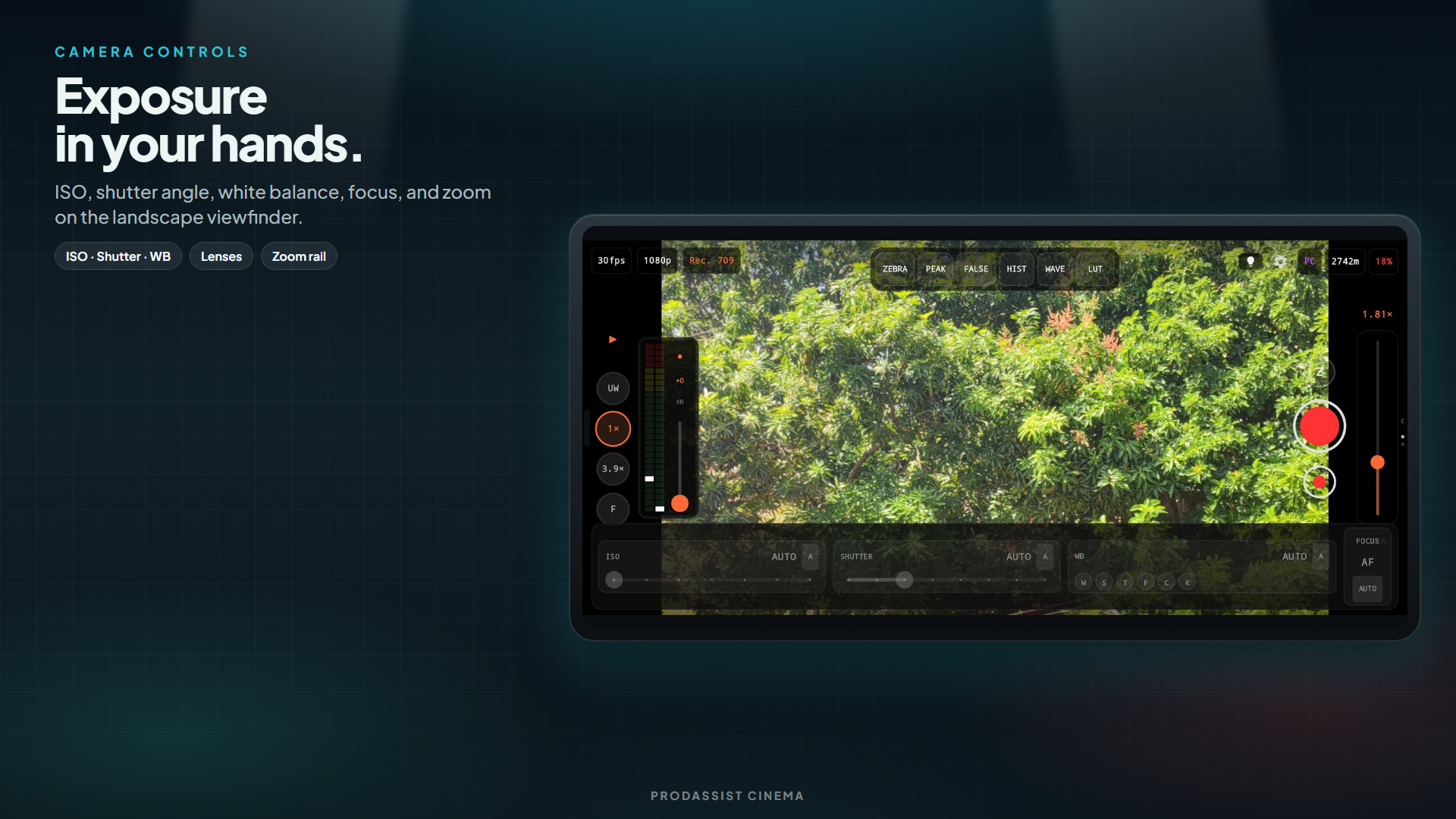
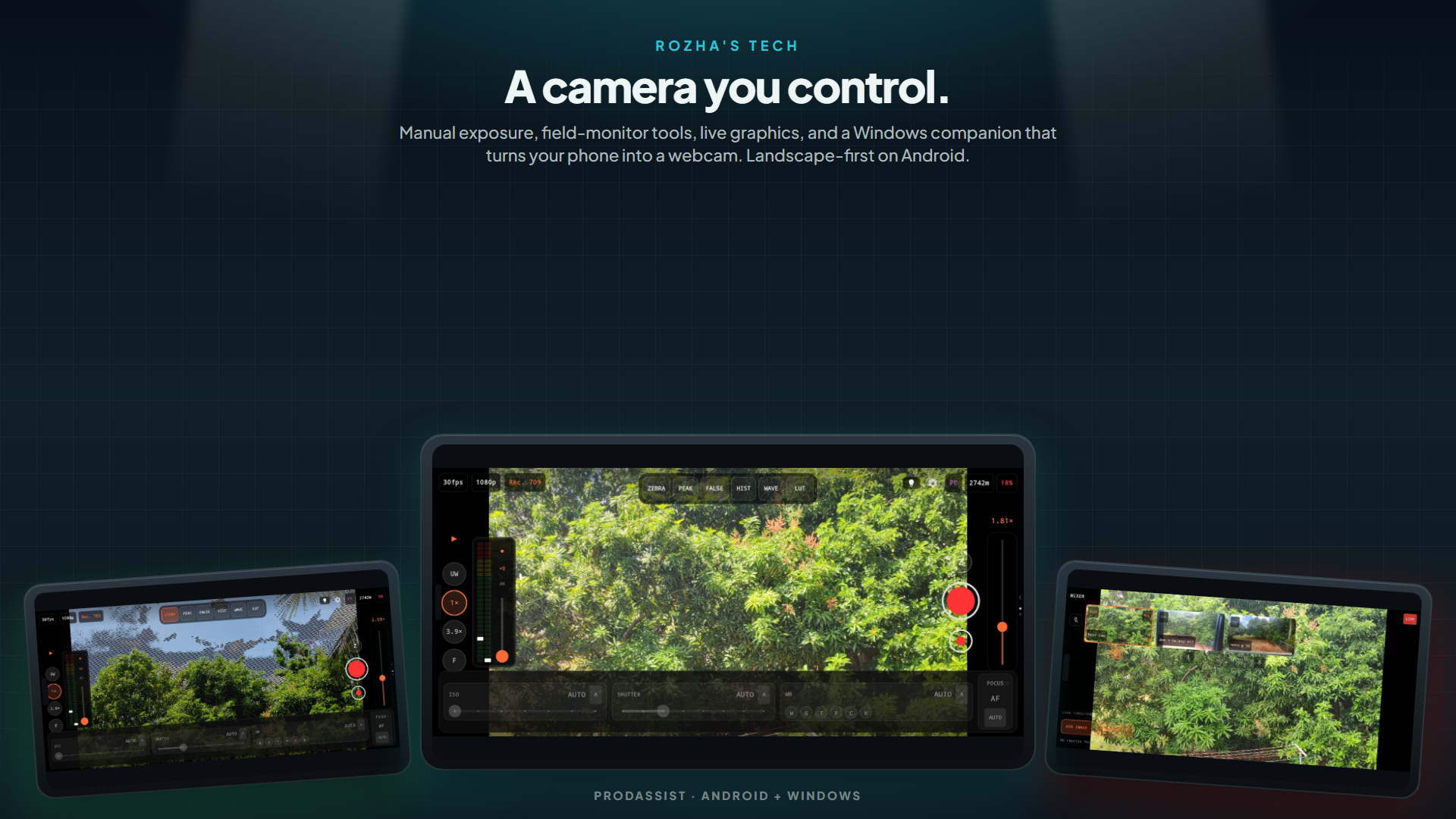
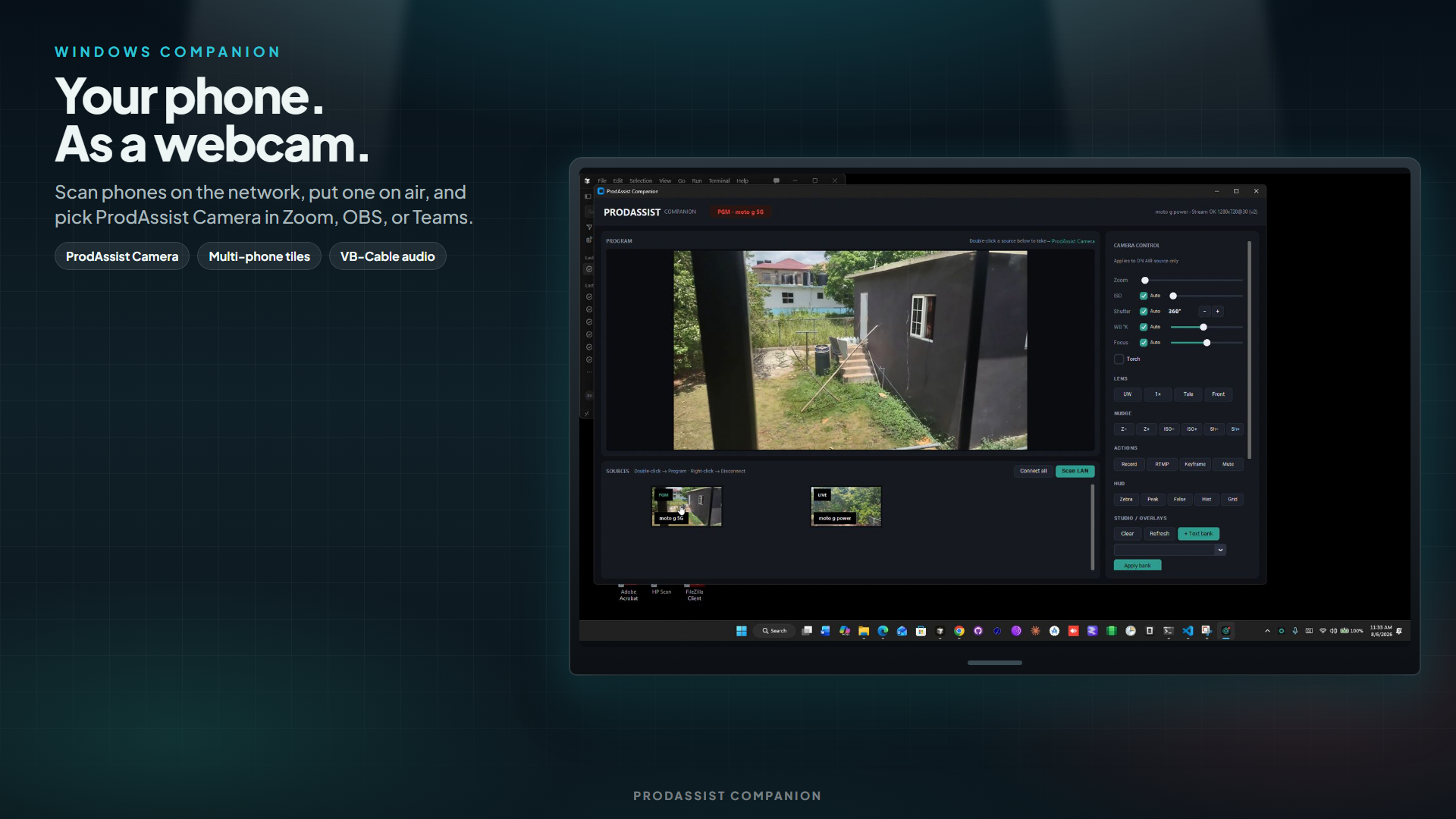
Manual ISO, shutter, white balance, and focus. Histograms, zebras, and peaking. Beauty, live graphics, Extra Cam mixer, HDMI program out, RTMP, and phone remotes. On Windows, the companion turns whichever phone is on air into a webcam for OBS, Zoom, and Teams.
Closed test also available: direct Play opt-in link (after your email is on the tester list).
Built for creators and live production
- Free tier with optional Pro and Studio subscriptions
- Package:
com.rozhaustech.prodassist· by Rozha's Technologies - Not designed for children — camera and microphone app
Screenshots
Frequently asked questions
Does ProdAssist work with OBS?
Yes. Install the Windows companion, put a phone on air in ProdAssist, and the companion exposes that feed as a virtual webcam that OBS (and other desktop apps) can select.
Can I use my Android phone as a webcam for Zoom or Teams?
Yes. The Windows companion outputs the active ProdAssist phone as a webcam for Zoom, Microsoft Teams, and similar meeting apps.
Is ProdAssist free?
There is a free tier. Optional Pro and Studio subscriptions unlock advanced features—see Google Play for current pricing.
Does it work on iPhone?
ProdAssist is Android-only. The companion app is for Windows PCs; there is no iOS version at this time.
RTMP, HDMI, and manual camera controls?
ProdAssist includes manual ISO, shutter, white balance, and focus, plus monitoring (histogram, zebras, peaking), RTMP streaming, and HDMI program output on supported devices.
Public Play vs closed testing?
Use the main Google Play button when the public listing is available. For closed testing, join the Rozha tester list first, then open the Play testing link with the same Google account as on your phone.
Install
Prefer the public store when available. If you are joining our closed test, use the Rozha opt-in form (same Google account as on your phone), then open the testing link Google Play sends you.